
After Effects Files Scattered Everywhere? Collect and Organize Them in One Folder
Footage in ten different folders and a messy Project panel? FilesGuru, a free After Effects extension, brings every file into one folder and organizes your project in one click. Built for designers in Qatar and everywhere else.
By Abdelmadjid Hocine · Published · Last updated
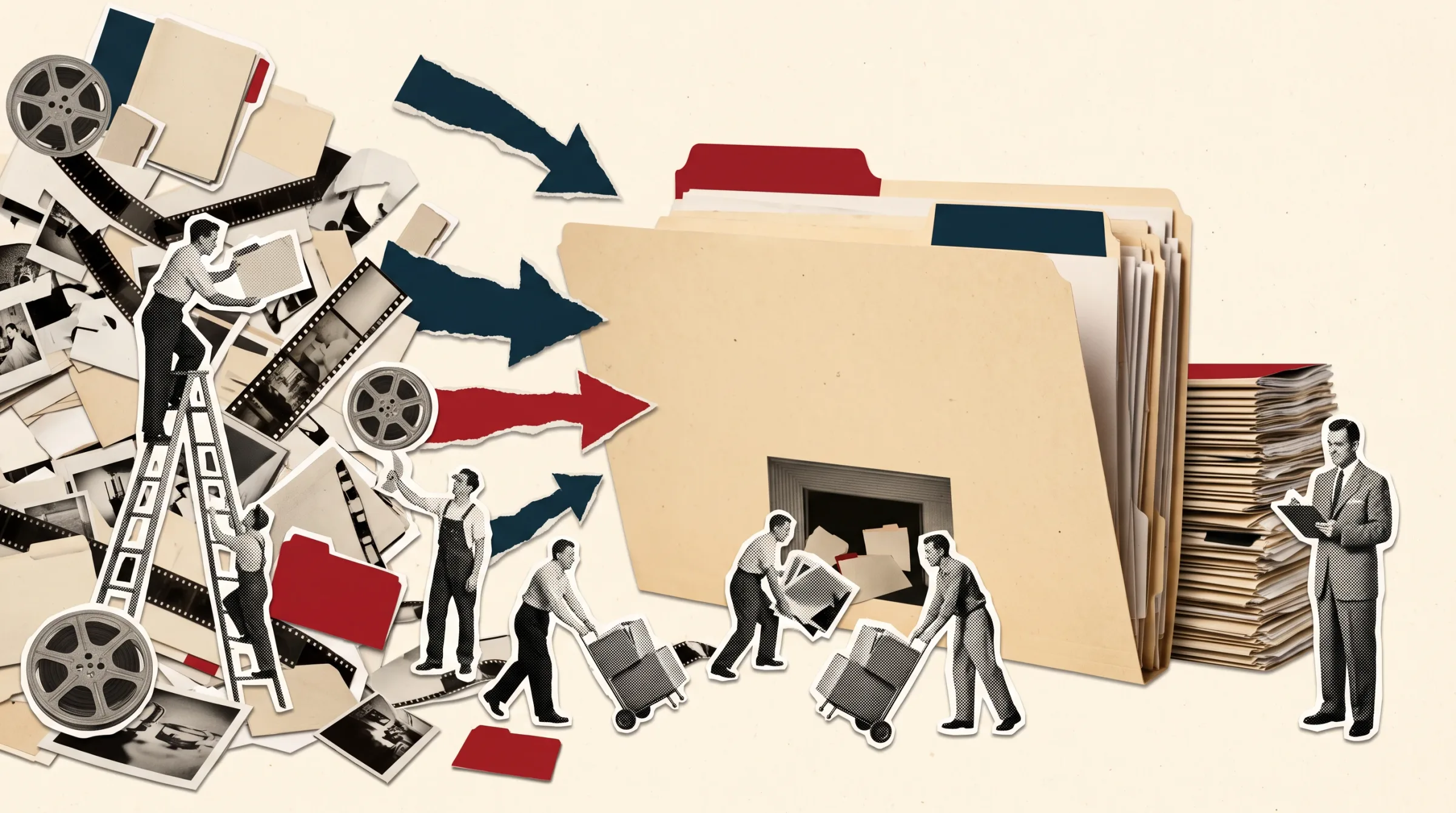
Open an old After Effects project and look at where the files actually live. Footage in Downloads, audio on the Desktop, a logo on an external drive, an image sequence on a server. The project looks fine until you move it, and then the red "Missing Footage" screen shows up.
There are two problems behind it, and they are the exact two problems FilesGuru fixes.
Problem 1: your files are scattered. They live in different folders and drives, so the project breaks the moment it moves.
Problem 2: your project is not organized. Comps, precomps, solids and assets sit in the Project panel in no particular order.
Quick answer: FilesGuru is a free After Effects extension that brings every file your project uses into one folder next to your .aep, relinks it, and organizes the Project panel, all in one click. It works on After Effects CC 2019 or later, on Windows and macOS.
I am Abdelmadjid, a Senior Art Director. I built it because I kept losing hours on the same handoff problem, working with designers and clients in Qatar and abroad.
Problem 1: your files live in too many places
After Effects does not store your footage. It stores the path to it. So when a file sits in Downloads, on the Desktop or on a drive you unplugged, the project only works on your machine, today.
This breaks projects when you send a project to a client, a teammate or a render farm, when you move to another computer or an external drive, when you archive a finished campaign, or when you inherit an old project or a template.
The fix is simple in theory: every file the project uses should sit in one folder, right next to the .aep. Doing that by hand means hunting each file, copying it, and relinking it layer by layer.
Problem 2: your project is a mess
Even when nothing is missing, a project with 200 items in a flat Project panel is hard to read and harder to hand over. Nobody wants to open it, and the next person wastes the first hour just finding the main comps.
Why the usual fixes fall short
Relink by hand. Right click, Replace Footage, browse, repeat. Fine for three files, painful for three hundred, and image sequences make it worse.
File > Dependencies > Collect Files. It copies files, but it duplicates the whole project, leaves you with a second copy, and does nothing to organize the Project panel.
Neither one tells you what is wrong before you start.
The fix: FilesGuru
FilesGuru solves both problems from one panel inside After Effects.
It brings your files to the same folder.
Collect in one click. Copies every file the project uses into an Assets folder next to your .aep and relinks it, including image sequences.
Find missing footage automatically. Searches by file name: project folder first, then Downloads and Desktop, then your user folder, then every drive, including USB and network drives.
Scan project first. See what is outside the project, what is missing and how much will be copied before anything changes.
It organizes your project.
Clean Project panel. Numbered folders: 01Main Comps, 02Precomps, 03Assets, 04Solids, 05_Unused.
Disk sorting by type. The Assets folder is sorted into Footage, Audio, Images, Vectors, 3D and Data.
And it stays safe.
Originals are never moved or deleted. It only copies, and nothing is copied twice.
Safe to re-run whenever the project changes.
One undo. Ctrl+Z / Cmd+Z reverts the relinking and folder moves in one step.
How it differs from Collect Files: the built-in command duplicates the whole project. FilesGuru makes the current project self-contained, relinks it and organizes it in one step.
How to use it
Step 1. Run Scan project to review missing files and copy size.
Step 2. Turn on Find missing footage if files are unlinked.
Step 3. Run Collect & Organize. Files go into the Assets folder, get relinked and sorted.
Step 4. Use Ctrl+Z / Cmd+Z if you want to revert.
Install
Step 1. Close After Effects.
Step 2. Open the free ZXP Installer.
Step 3. Drag FilesGuru.zxp onto the installer window.
Step 4. Start After Effects and go to Window > Extensions > FilesGuru.
Step 5. Enable Edit > Preferences > Scripting & Expressions > Allow Scripts to Write Files and Access Network.
It is free. Downloading requires a free Design's Nock account, which lets you re-download anytime and get updates first. The download includes the extension, a PDF user guide and install instructions.
FAQ
What problem does FilesGuru fix?
It fixes scattered files and messy projects. It gathers every file into one folder next to your .aep, relinks it, and organizes the Project panel.
Does FilesGuru delete or move my original files?
No. It only copies files. Originals stay where they are.
Is FilesGuru free?
Yes. It is free, but downloading requires signing in to a free Design's Nock account.
Which After Effects versions and systems does it support?
After Effects CC 2019 (v16) or later, on Windows or macOS.
Can it find footage on external drives?
Yes. If the file is not in the project folder, Downloads, Desktop or your user folder, it searches every drive, including USB and network drives.
Verdict
If you send, move or archive After Effects projects, stop hunting for files and relinking by hand. Scan first, collect once, and keep every project in one clean folder.
Download FilesGuru for free from the Asset Store and tell me what breaks. I read every message.
Need design or motion work in Qatar? Get in touch with Design's Nock.

Senior art director and motion designer with 8+ years across Qatar, Algeria and Saudi Arabia. More about Abdelmadjid Hocine.
Free tools for designers
- Kashida Fill for Illustrator: Justify Arabic text with real kashida, not stretched spacing.
- FilesGuru for After Effects: Collect, relink and organize project files in one click.
- Label Color Picker for After Effects: Pick and apply layer label colors without the menu hunt.