
Scripts / Script
Label Color Picker
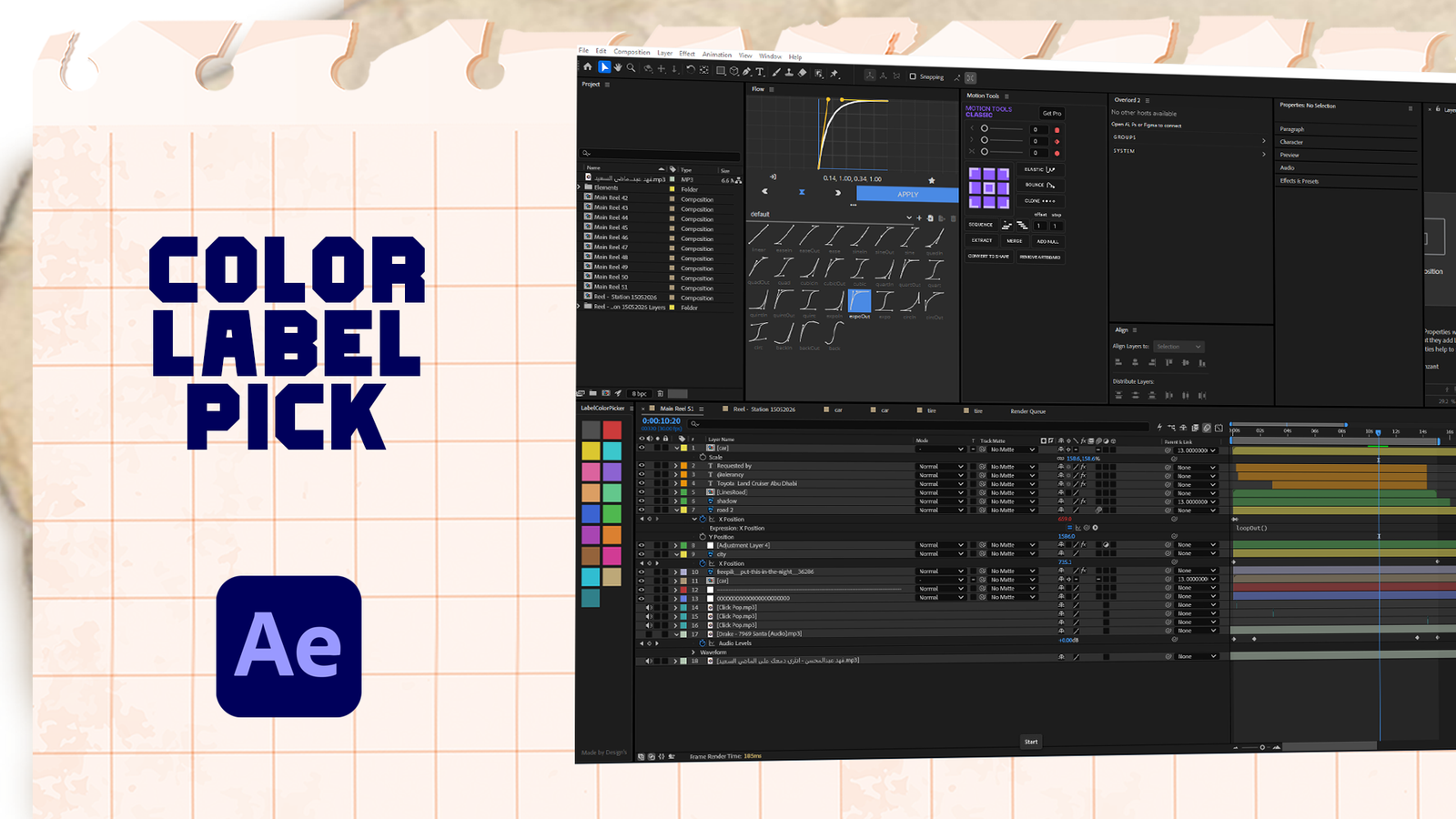
Meet your new favorite After Effects time-saver. LabelColorPicker is a tiny panel that does one thing beautifully: click a color, your layers change. No more hunting through right-click menus just to slap a label on a layer. Select whatever you want in the timeline, pick a square, move on with your life. It lives right inside After Effects as a dockable panel, it reshapes itself however you resize it, and it plays nicely with undo. All 17 label colors, one click away. Drop it in your ScriptUI Panels folder, find it under the Window menu, and never think about label colors again.

Free
No signup required
Product Details
Version
1.0
Compatibility
After Effects 2022+
Platform
Windows / macOS
File Type
Script
Price
Free
Install Time
Under 1 minute
How to Install
01
Download the ZIP file
Click the download button above to get the ZIP archive. No account needed.
02
Copy the script
Extract the JSX file and copy it into your After Effects ScriptUI Panels folder.
03
Open from After Effects
In After Effects, go to Window in the menu bar and select the script to launch the panel.
Why This Exists
Changing label colors in After Effects usually takes too many clicks. Label Color Picker turns it into a simple one-click action from a dockable panel — so you stay focused on your work, not your workflow.
More Tools You May Like
Script
Coming Soon
Script
Coming Soon
Script
Coming Soon
